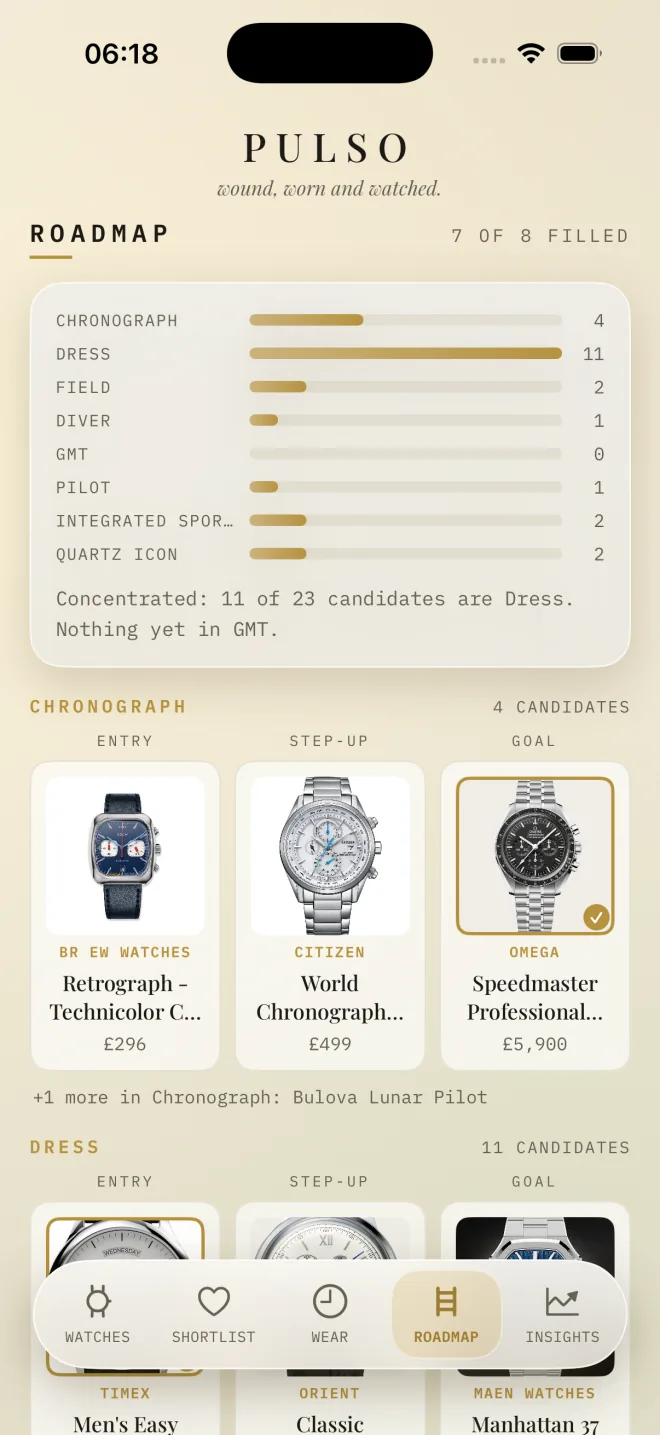
Where it’s thin
Eight styles, three rungs each. It says plainly what the collection is missing.

Type a watch’s name. Pulso finds the specs, the photo and today’s price, then keeps them current while you wear the watches.
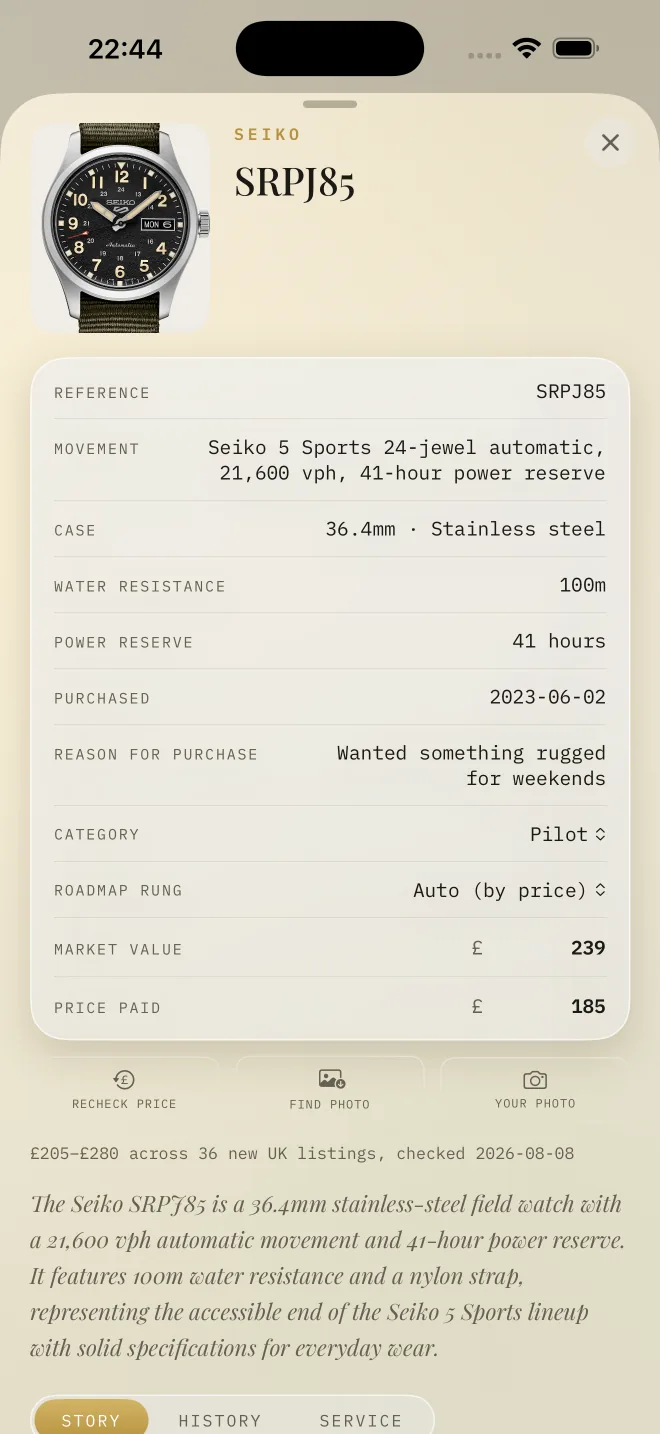
Follow a Seiko SRPJ85 through Pulso. Every screen below is the real app, with a real collection in it.
“Seiko SRPJ85.” That’s the whole form. The movement, the 41-hour reserve, 100m water resistance, the photo and its market value arrive filled in.
Everything you own, in one place. Each morning Pulso picks a Watch of the Day, the one that has waited longest.
The calendar fills in with what you actually reach for, week by week. Nothing gets left in the box and forgotten.
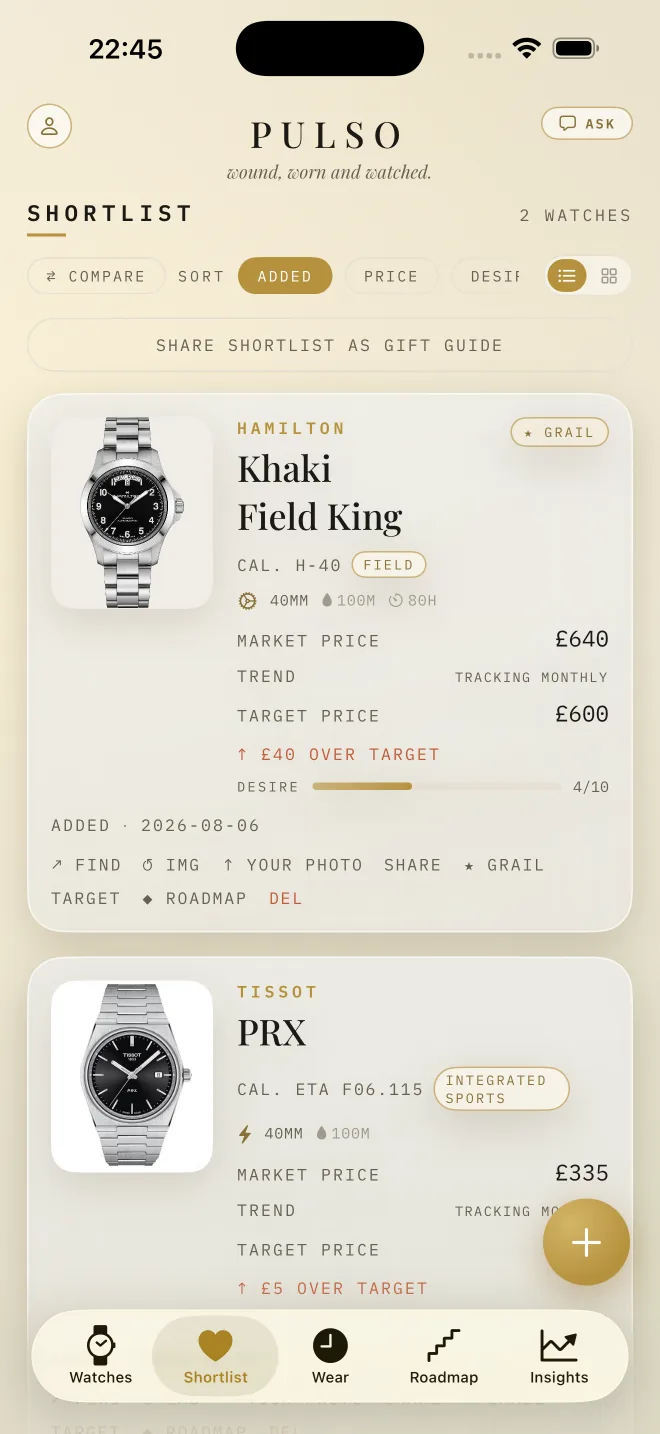
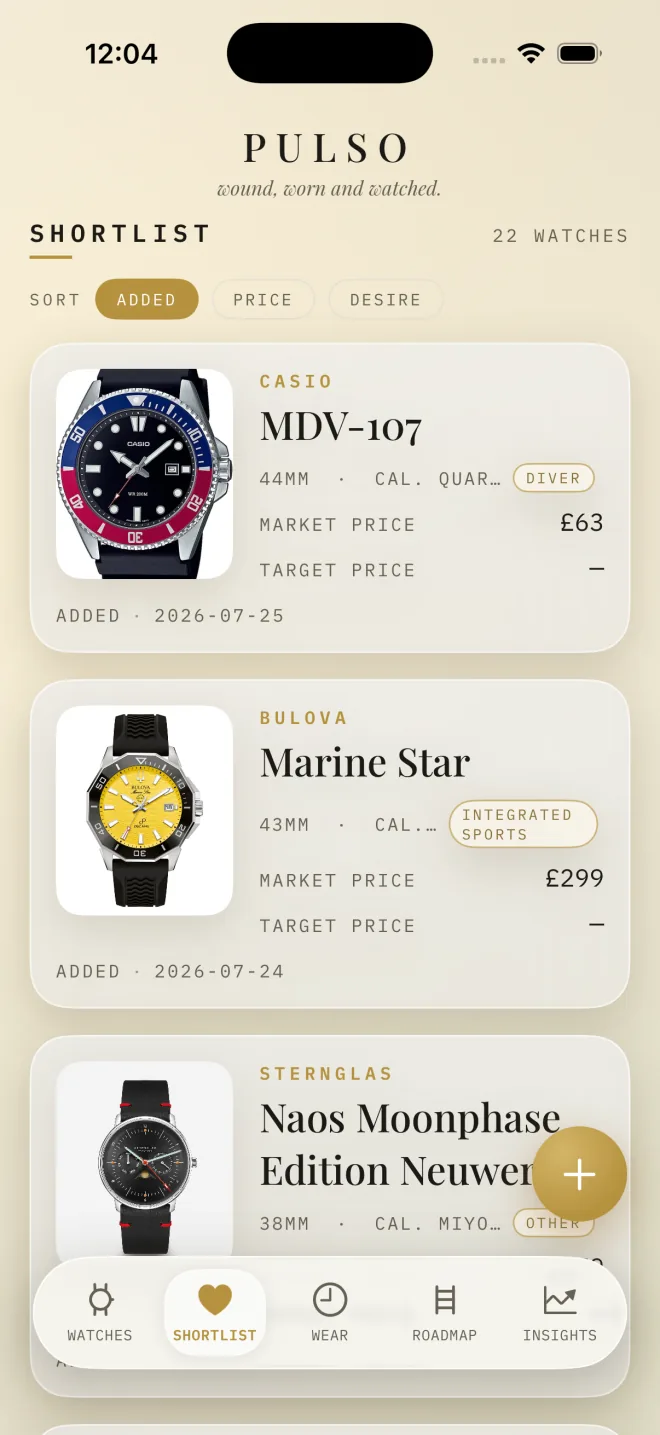
Shortlist a grail and set a target. Prices are rechecked every month, so you always know how far off it is.
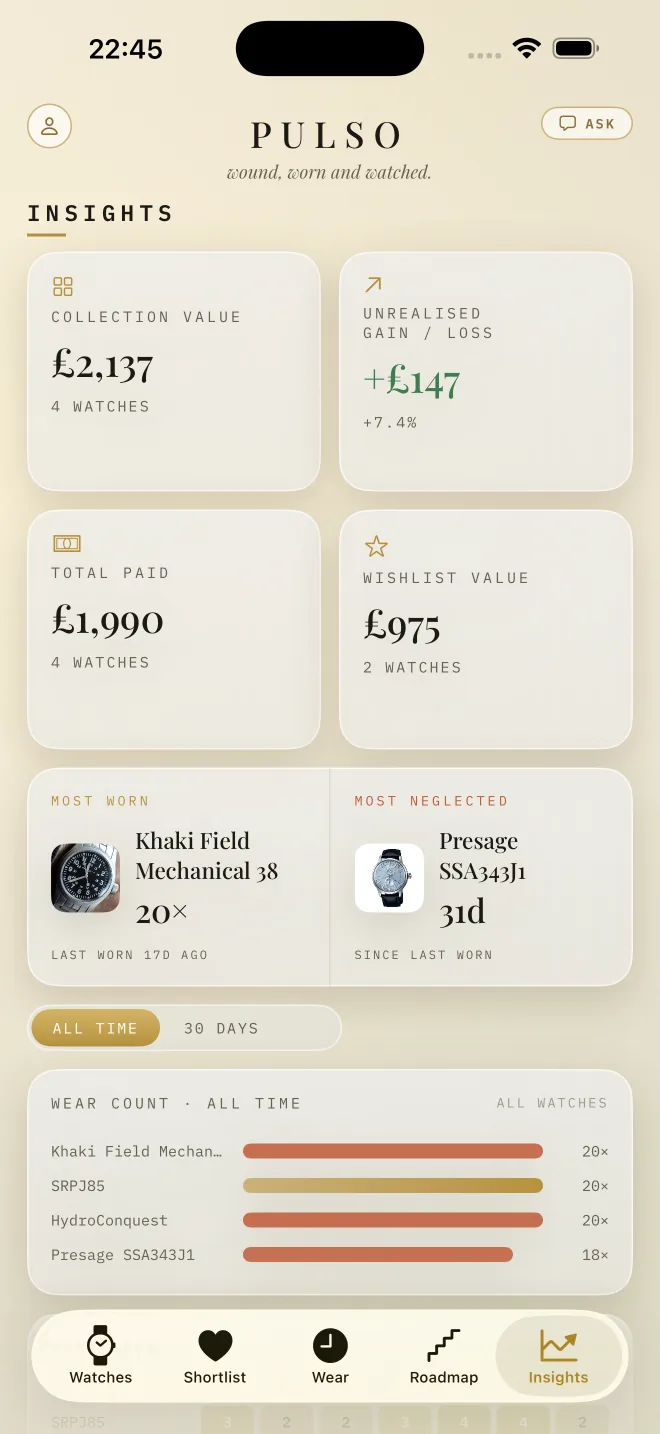
What the collection is worth, what you paid, the most worn and the most neglected. Refreshed with every price check.
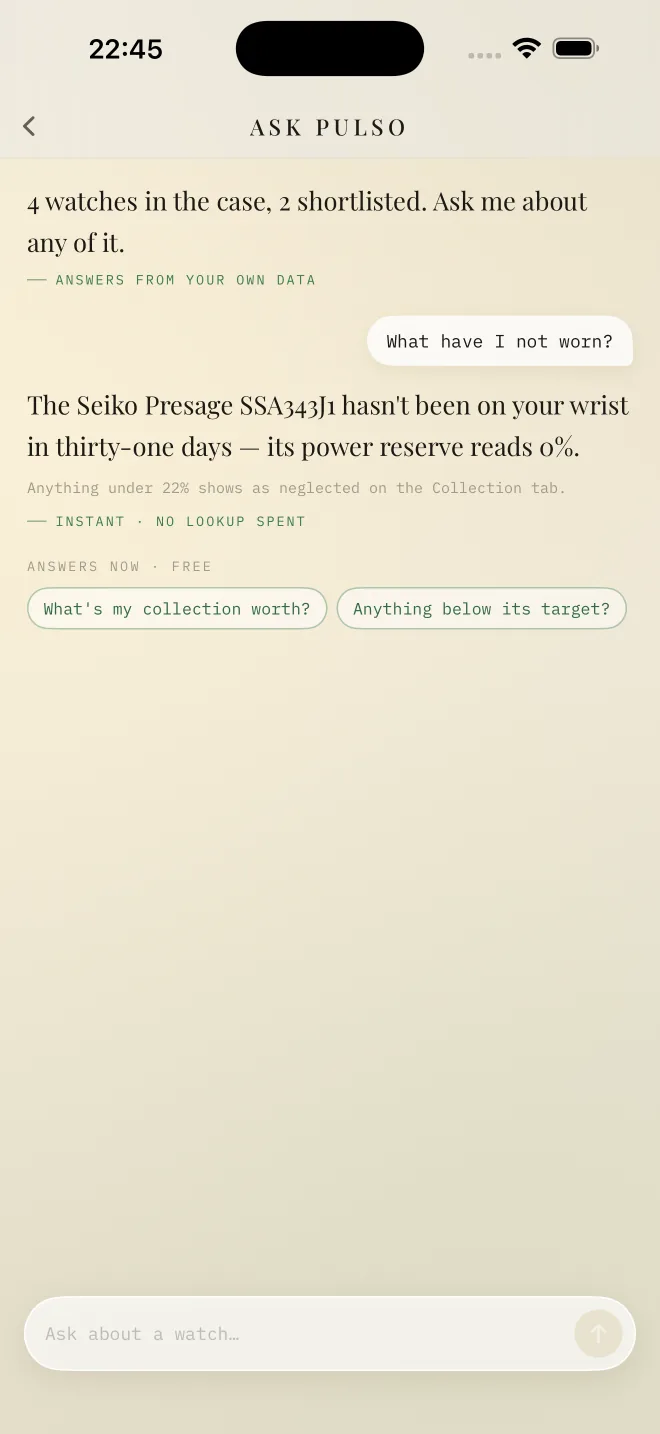
“What have I not worn?” Answers come from your own collection, not the internet in general.
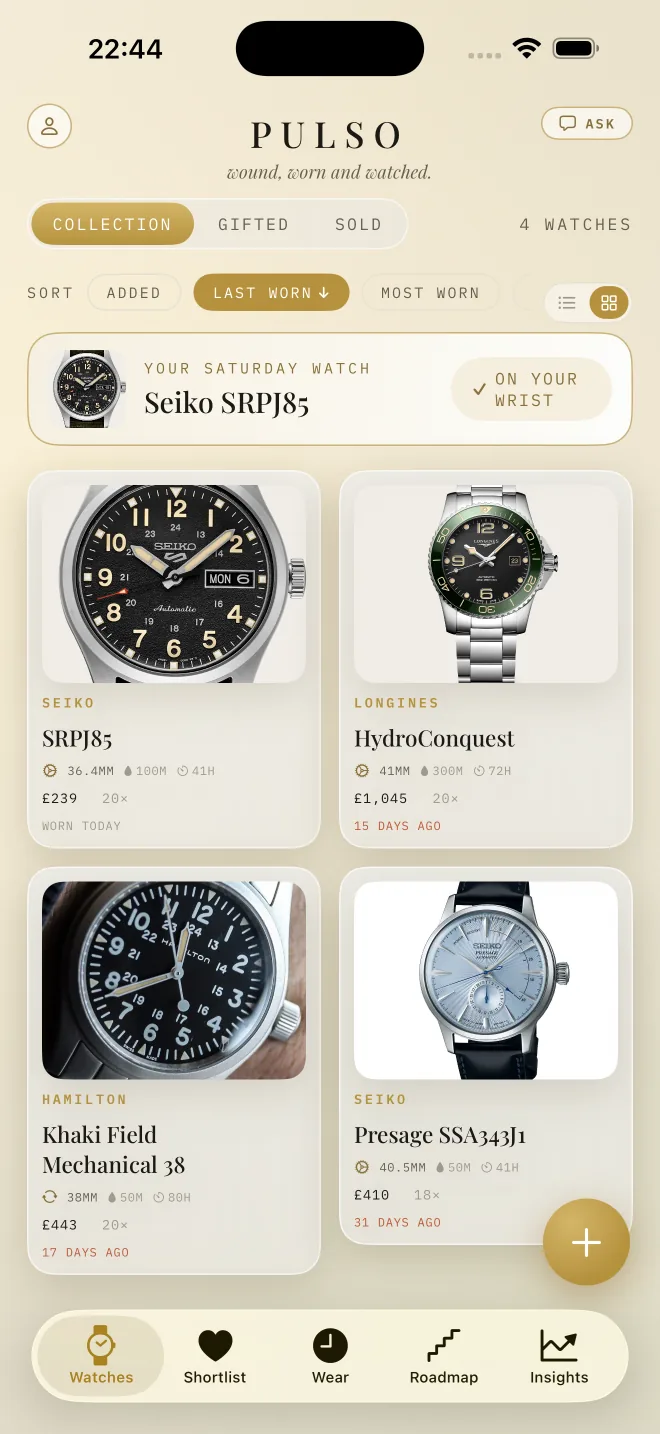
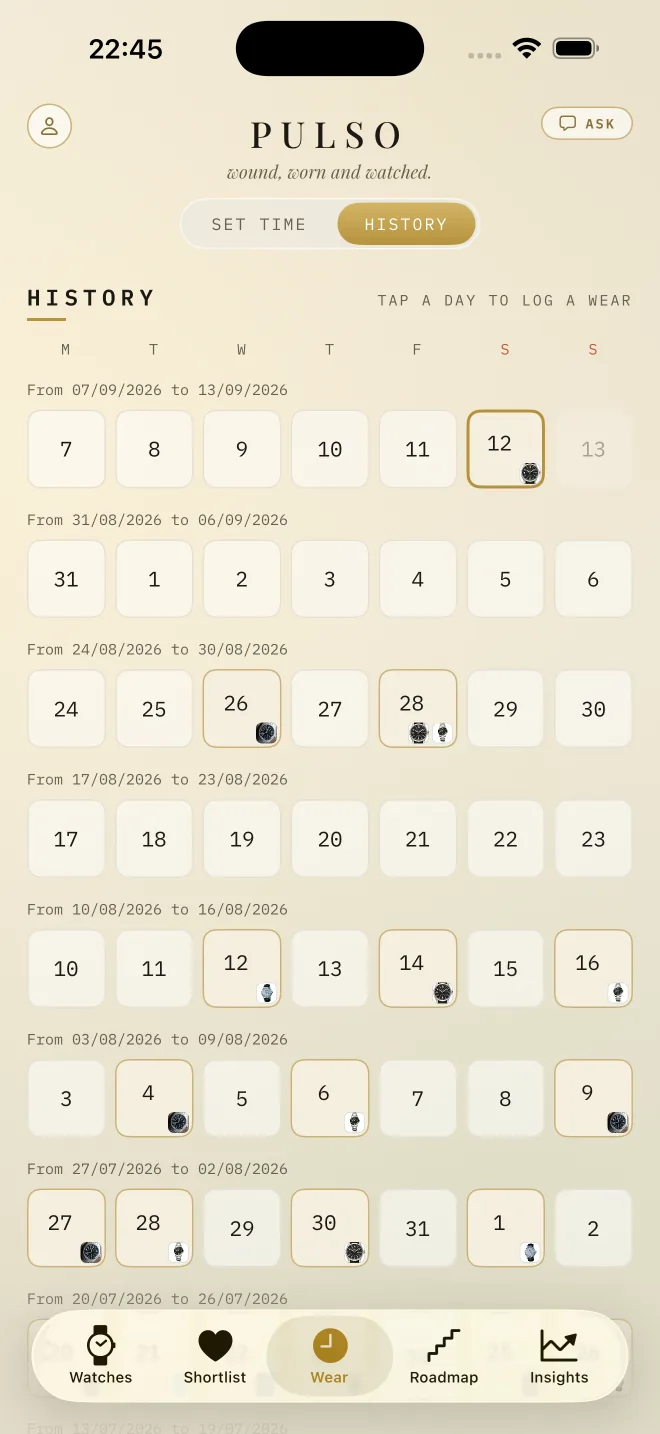
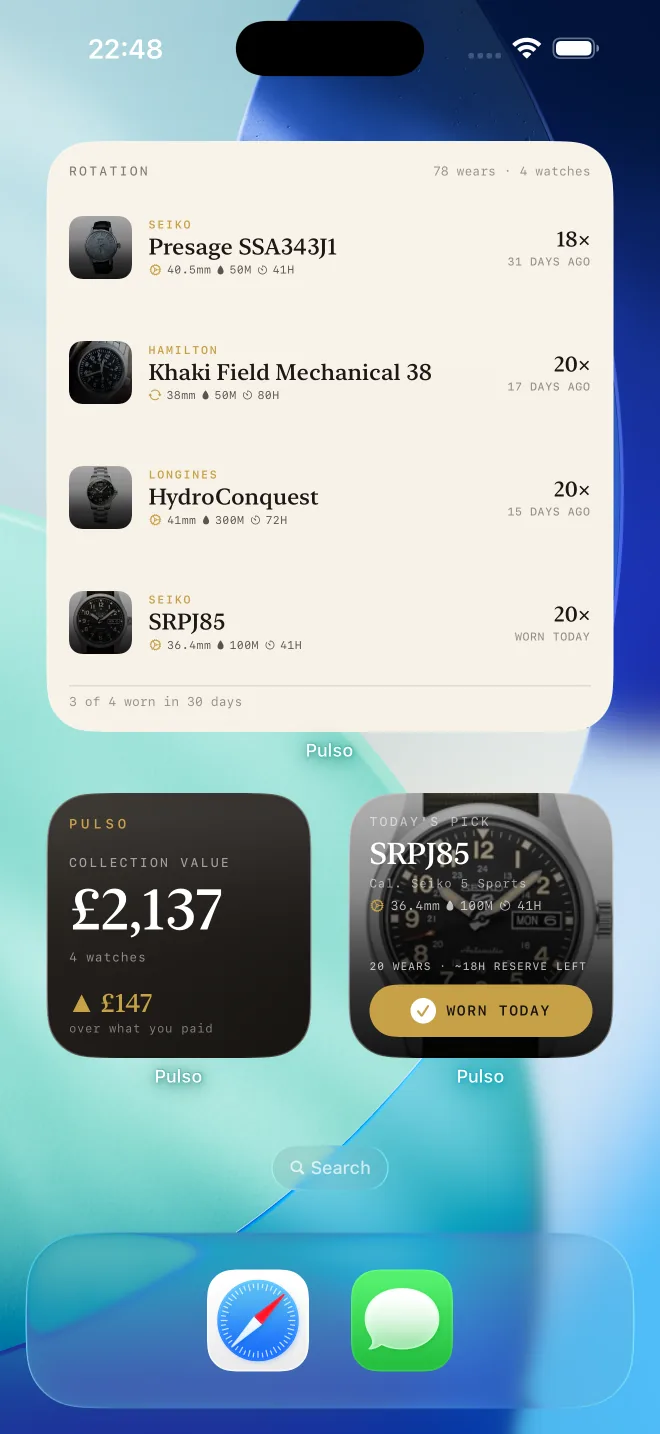
Today’s watch, your rotation and the collection’s value, where you’ll see them every time you unlock.
Eight styles, three rungs each. It says plainly what the collection is missing.
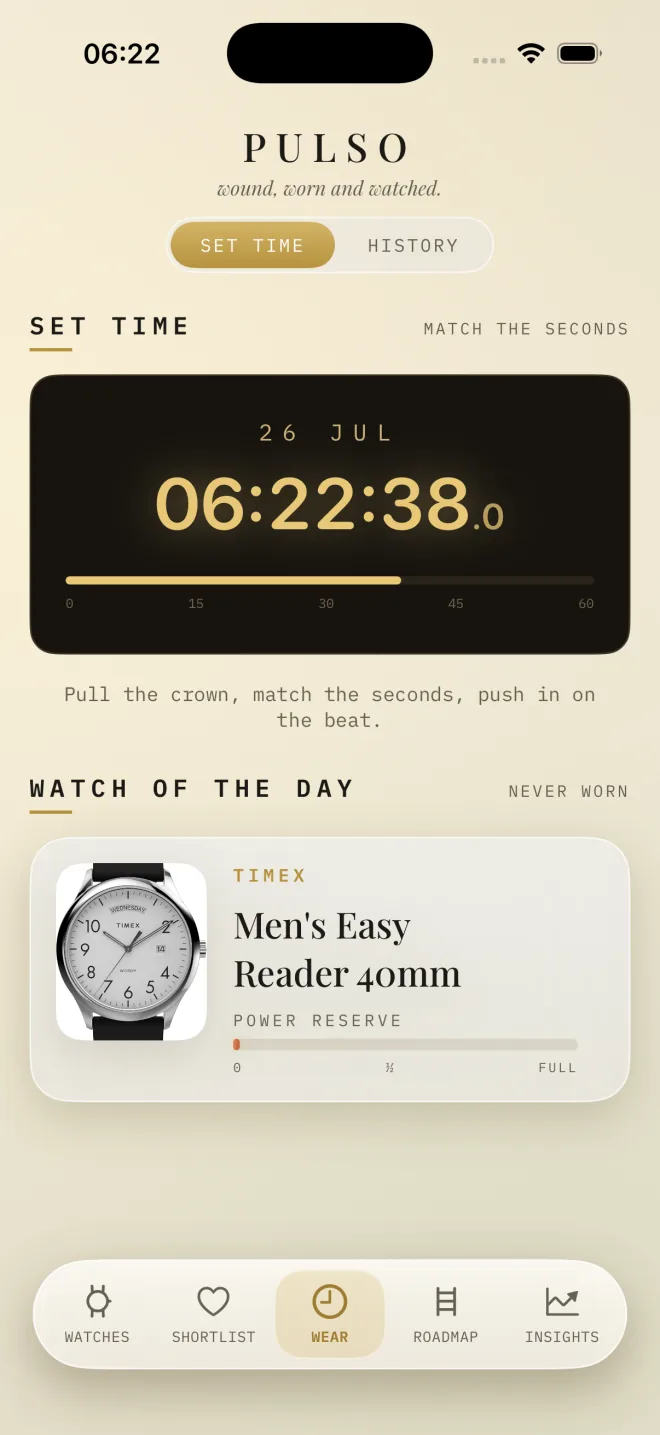
A live seconds clock that keeps the screen awake. Pull the crown, push in on the beat.
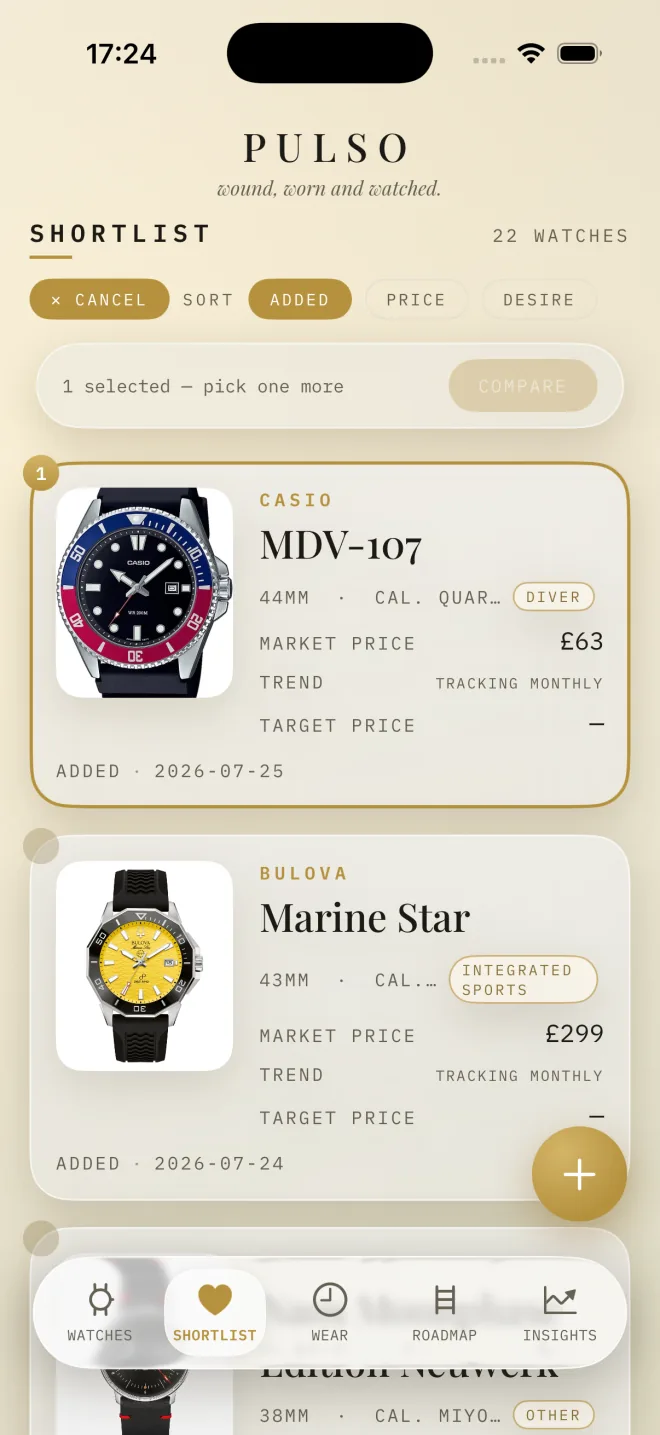
Pick shortlist watches and every spec lines up in one table.
A short write-up on each piece, and where its price came from.
When my daughter Luna was born, I wanted a watch to mark it: one to wear now and hand to her one day. Choosing it pulled me into this world completely.
I looked for a simple way to keep track of what I was learning, didn’t find one, and built it. It does the research. I do the wearing.
Yeison · @yeisospina · @yeisonospina
Nothing. No adverts, no subscription, nothing to buy inside the app. Adding watches you already own is free. Lookups that need live market data draw on a starting allowance, and when that runs out, everything you’ve built keeps working.
Yes. It isn’t shared, sold, or used for anything except showing it back to you. There’s no analytics SDK, a gift-guide link only shows what you choose to share, and deleting your account really deletes it, photos and all.
Each price is researched from live listings on Chrono24, WatchCharts and dealer sites, with a note on its source and range. Treat them as a well-informed guide for collectors, not trading-grade data.
The native app is iPhone only. Pulso also runs in any browser, on the same account, so you can use it on your computer too. Start on the web.
Point your iPhone’s camera at the code, or tap the button. Your first watch takes about a minute.
Download on theApp Store